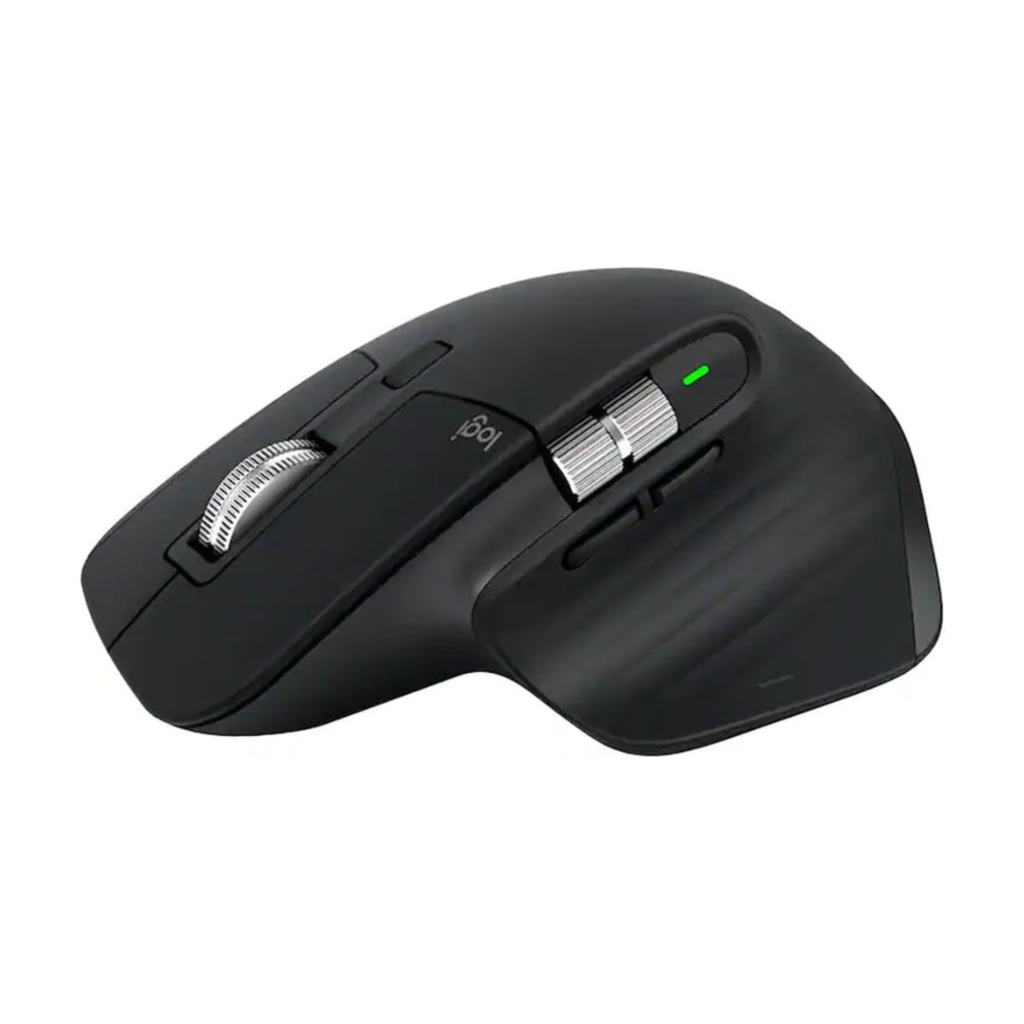
Logitech MX Master 3S Wireless Mouse
Introduction
The Logitech MX Master lineup is known for increasing productivity and work speed. Its mice are known for their comfort while using and multi-device pairing. These are not only suitable for gamers but also can be useful for designers, coders and working professionals. These are popular because they offer comfort to hold on hand due to ergonomic shape and premium hardware are used, which results in fast work and less fatigue.
Battery Life
70+ days
Weight
141g
Button
7
Logitech MX Master 3S Specifications
Connectivity
Bluetooth & Logi Bolt
DPI
Up to 8,000 DPI
Buttons
7 Programmable Buttons
Battery Life
Up to 70 Days
Charging
USB-C
Multi-Device Support
Up to 3 Devices
Compatibility
Windows, macOS, Linux, iPadOS
Weight
Approx. 141g
Design & Build Quality
Premium Ergonomic Design
- It has a sculpted shape that helps in long work sessions.
- It has a thumb rest placement place, due to which posture of arm keeps natural and prevents from pain.
- Its front and back buttons are placed nearer to thumb
- Its size is perfect especially for medium-large hands and also grip for palm is given.
Materials & Finish
- In its high quality plastic material is used, due to which it give soft touch and premium feel.
- In Magspeed wheel machined steel is used.
- In this mouse Graphite, Pale Gray, and Black color option are available
Weight and Portability
- Its weight is around 141 gm, that is heavier then standard office mouse
- Best choice for desk setup.
Setup and Connectivity
1. Bluetooth Connection
- This is the easiest or best way of connecting
- First of all turn on mouse then select slot from 1, 2 or 3
- Then press and hold easy switch button for 3 sec, that makes LED to blink and makes it discoverable.
- Then connect it with your laptop or computer via Bluetooth
2. Logi Bolt USB Receiver
- First, plug the Logi Bolt USB Receiver into USB A port of computer or laptop
- Then, Turn on mouse and it will automatic detect it and connect to it.
Battery Life Test
Manufacturer Claim
- Company claims that it can last up to 70 days after full charge
- Manufacturers claims that its 1 minute charging gives 3 hour battery, that is helpful during emergency.
Real-World Results
- After full charge, if it is used 8 hours daily without off then its battery can last for 3-4 weeks.
- Bluetooth consume less energy in comparison to other method of connectivity using Logi Bolt USB Receiver.
Pros
- Excellent Erogonomics
- Scroll Wheel is Amazing
- Designed with Quiet Clicks
- It Supports Multiple device
- Highly Customizable
- Long Battery Life
Cons
- Price is premium
- Best for Right Handed Users only
- Heavy for travel
- Not Good for Competitive Gaming
| Feature | MX Master 3S | MX Anywhere 3S | Razer Pro Click | Keychron M6 |
|---|---|---|---|---|
| Best For | Productivity | Travel | Work + Gaming | Budget Productivity |
| Ergonomics | ⭐⭐⭐⭐⭐ | ⭐⭐⭐⭐ | ⭐⭐⭐⭐⭐ | ⭐⭐⭐⭐ |
| Battery Life | Up to 70 Days | Up to 70 Days | Up to 400 Hours | Up to 80 Hours |
| Multi-Device Support | Yes | Yes | No | Limited |
| Silent Clicks | Yes | Yes | No | No |
| Weight | 141g | 95g | 106g | 78g |
| Price Range | Premium | Premium | Premium | Budget |
| Overall Rating | 9.5/10 | 9/10 | 8.5/10 | 8/10 |
Who Should Buy the Logitech MX Master 3S?
Ideal For
- Mainly Remote workers
- Content Creators
- Coders and Programmers
- Business professionals
- Multi-device users
Not Ideal For
- Competitive GAming
- Left Handed Users
- Budget concious users
Is the Logitech MX Master 3S Worth It in 2026?
Reasons to Buy
- Its Features boosts work productivity
- Comfortable for Long duration work
- Long duration battery life
- Good software ecosystem
Reason to skip
- Gaming-focused needs
- Preference for lightweight mice
- Low budget